Credential Finder Widgets
Customize the Credential Finder search as a widget that you can embed on your website. Customizing the search, limits the search results to the credentials that you want your community to see and includes options for removing filters, setting other parameters, and changing colors to match your website.
Getting Started
Before being able to create a widget, you must be a registered user. Toregister, follow this link.
After registering, you will be prompted to create an organization. When creating an organization, you must specify at a minimum that under the consuming data section, you select the following:
- Customizing Credential Finder Widgets
After the organization is approved, you can return here to create a widget. If you already have a verified account, Login here.
Example Widgets
Below are some example live widgets created by Credential Engine partners.
Texas Credential Library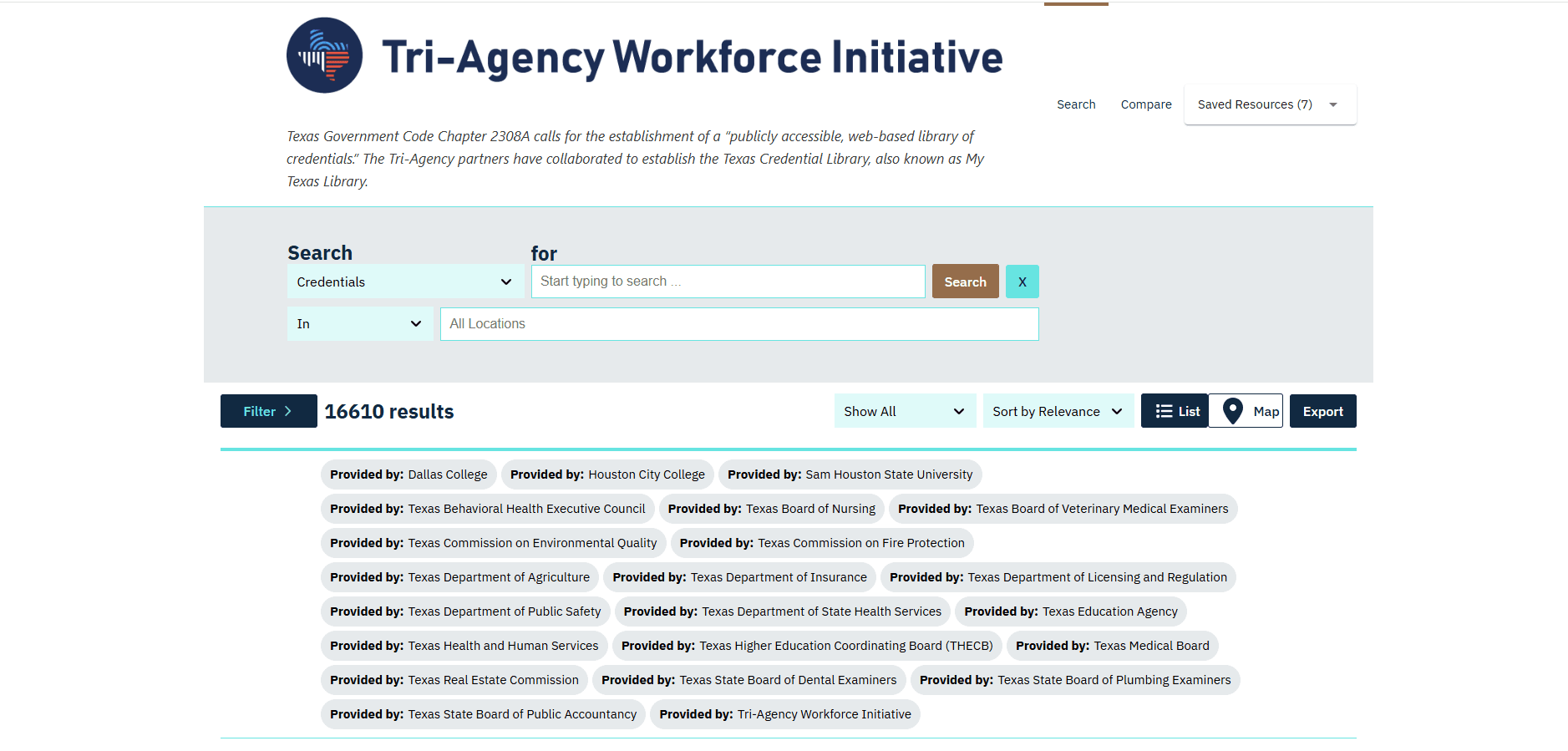
Texas has a Credential Library where all available credentials delivered, issued, funded, or governed by the state will be housed and made transparently available to all Texans. The Credential Library is updated as additional types of credential and information about them is published to the Credential Registry.
View Standalone WidgetFor more examples of how partners use and display Credential Registry data, please visit our Solutions Spotlight page.